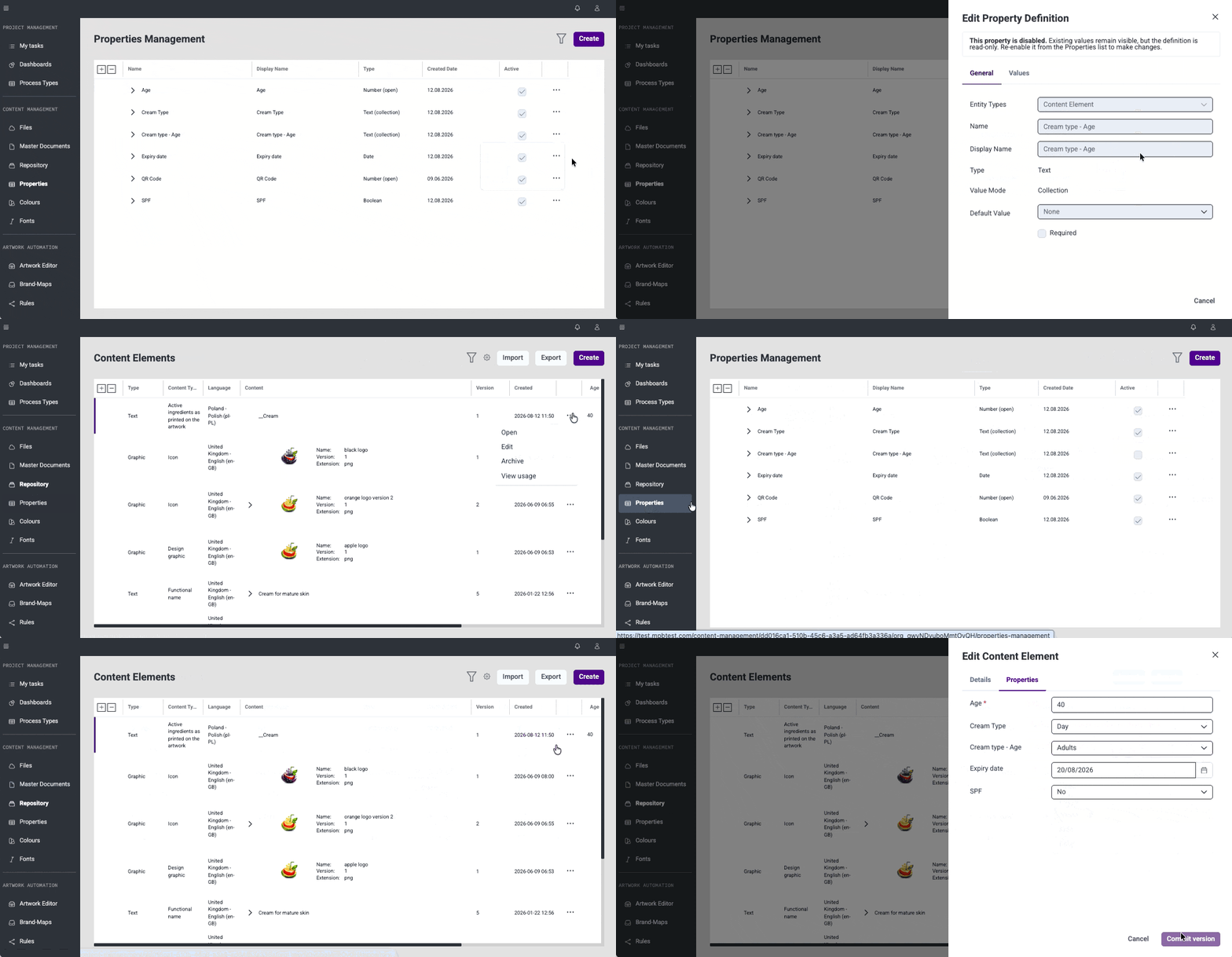
Collection-Based Property Values (#59375) Global Properties now support collection-based values for text and number type. A predefined list of permitted values can be configured directly in the property definition, and users select from a dropdown when filling property value across the items in Content Management system. Values to predefined list can be added, edited, removed within the property definition.
Disable and Enable Global Properties (#59376) Global Properties can now be disabled without archiving them. Disabled properties remain visible but become read-only, allowing to retire a property while keeping existing values accessible. Properties can be enabled or disabled at any time via a menu action.
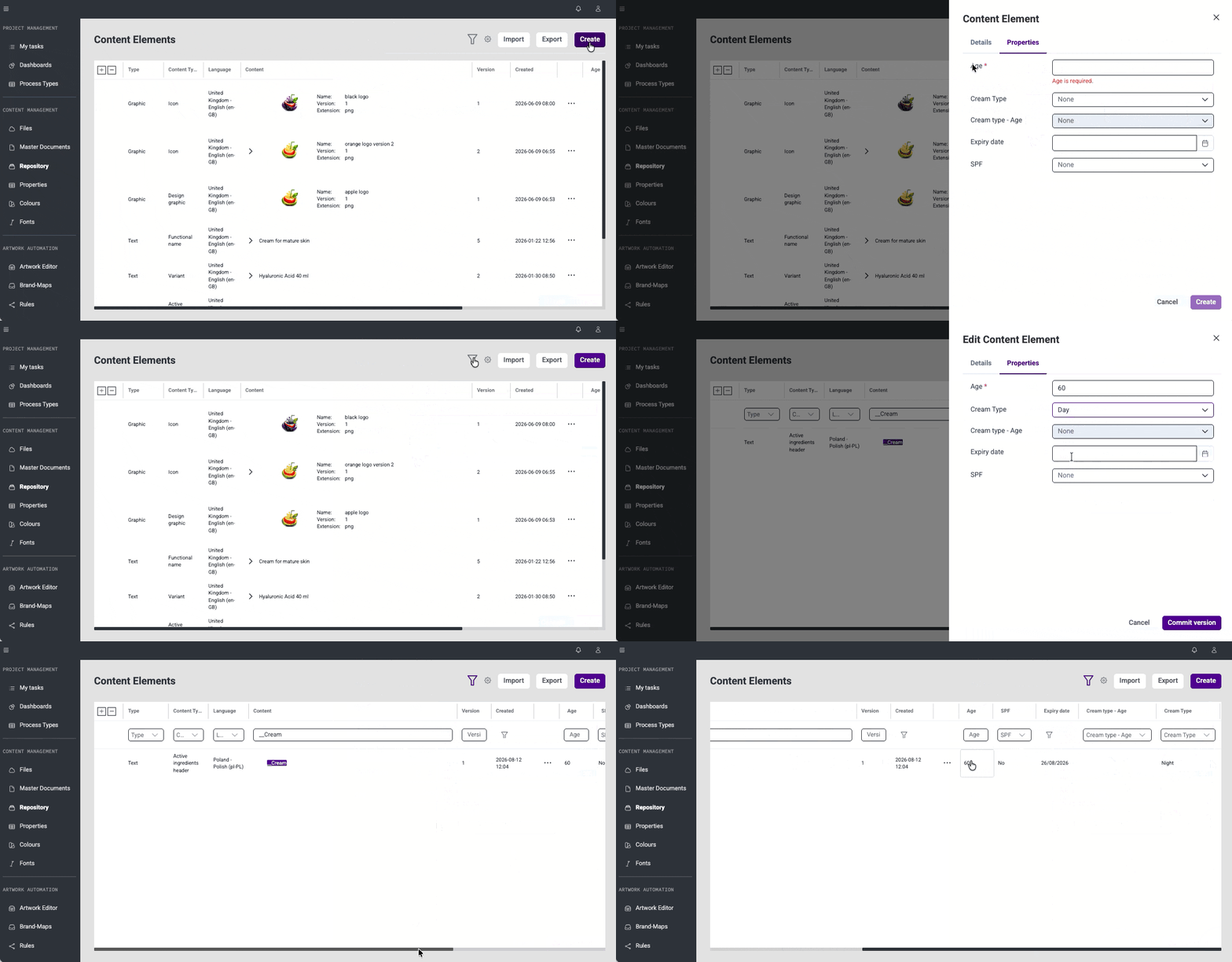
Global Properties in Create and Edit Panels (#59567) Global Properties assigned to Content Elements, Translations, and Projects are now displayed and editable directly in create and edit panels.
Bug fixes
This release brings several improvements to stability and day-to-day usability.
Master Documents
#64822: Fixed an issue where the close button on the Default Languages panel was unclickable - the button is now accessible and closes the panel as expected.
#64823: Fixed an issue where column widths on the Master Document details page intermittently reverted to their previous size after resizing - column widths are now applied and retained correctly.
#68264: Fixed an issue where Content Elements with more than 1690 characters could not be saved - the character limit has been corrected and a clear validation message is now shown when the limit is exceeded.
#69389: Fixed an issue where saving a graphic Content Element as a draft resulted in an error - drafts can now be saved correctly.
#41377: Several improvements have been made to the Excel import process for Content Elements and Translations - global property values are now correctly imported alongside content, and the import correctly handles multiple translation versions for the same Content Element within a single file.
Global Properties
#69396: Fixed an issue where it was not possible to save a property after clearing the maximum value - the property can now be saved correctly with no maximum value set.
#69397: Fixed an issue where filtering properties by date did not return any results - date filters now work correctly.
#69410: Several UI improvements have been applied to the Global Properties section - the layout and styling of property definition and value panels is now consistent with the rest of the Content Management application, including improved scrolling behaviour, corrected button styles, better handling of long property names, and various visual fixes across create and edit panels.